Never miss a TCF seat again
Add your sittings. It holds a seat the instant one opens.
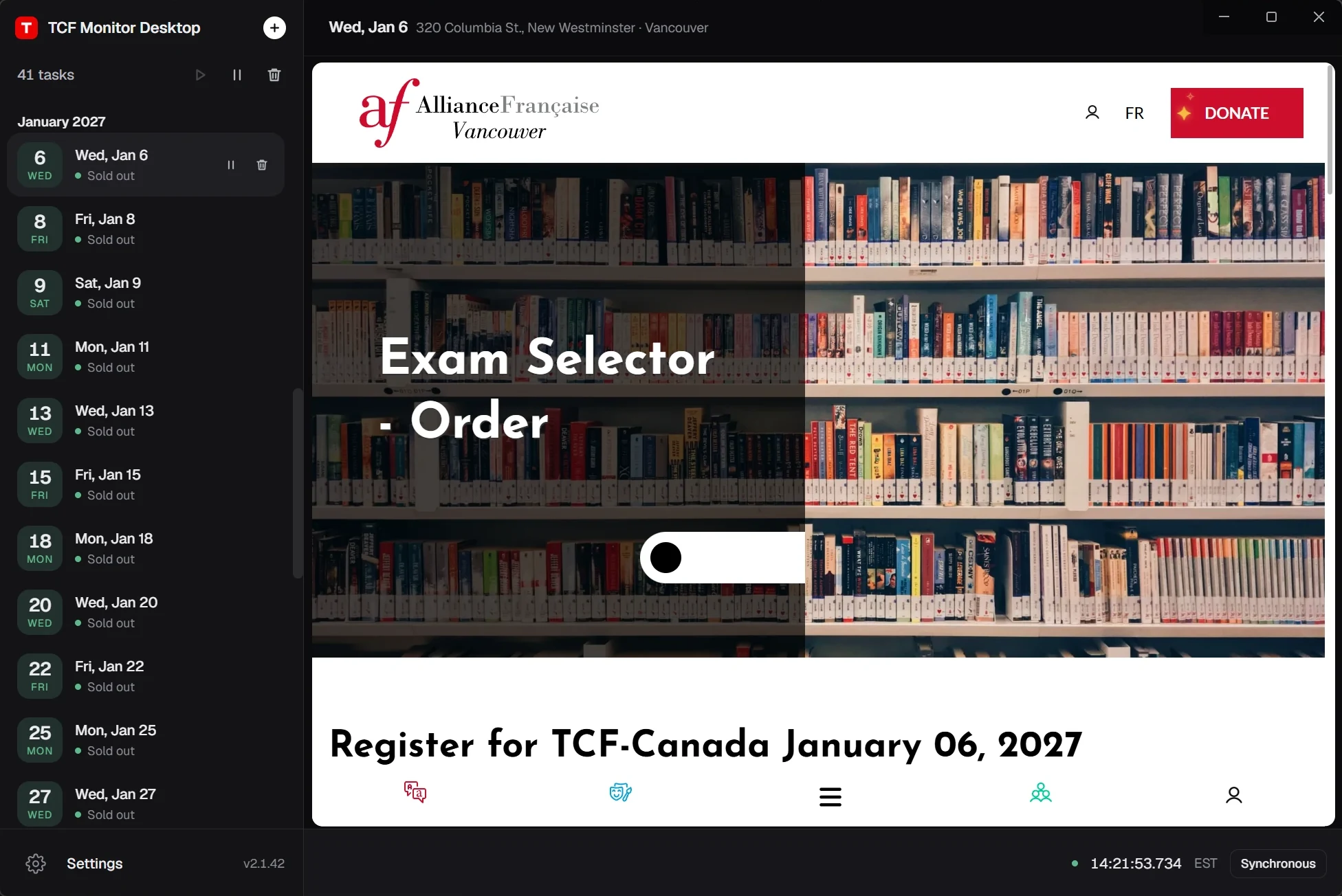
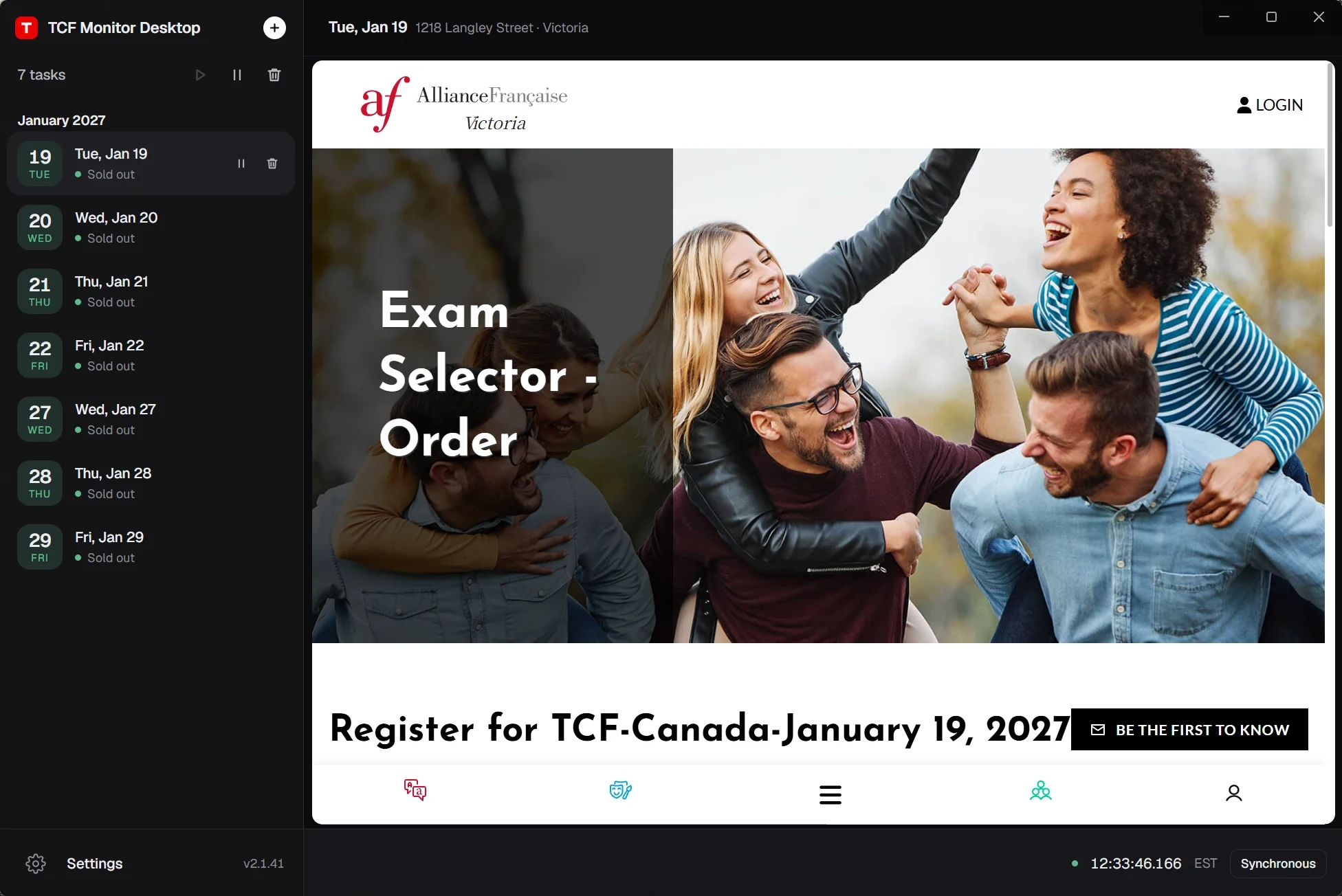
- Buy a plan for Vancouver or Victoria. Your licence key appears right after payment and is emailed to you. You can pay on your phone and install later.
- Install it on your own Windows PC or Mac. Enter the key, then add every Alliance Française sitting you would accept, first releases and restocks alike.
- Keep the app running. The moment a seat opens it holds one for you, and you pay the exam centre yourself in the window it opens.
What does TCF Monitor Desktop do?
TCF Monitor Desktop is booking software for TCF Canada that runs on your own Windows PC or Mac. You add the Vancouver or Victoria sittings you want, it holds a seat the moment one opens, and you pay the exam centre yourself.
Which test centres does TCF Monitor Desktop support?
The Alliance Française centres in Vancouver and Victoria: Cambie and New Westminster in Vancouver, and the Alliance Française de Victoria. Ashton Testing uses a separate booking system and is not supported.
How much does it cost, and when does billing stop?
CA$79 / month per city (Vancouver or Victoria), renewed automatically. Once one booking is paid the key is complete and the subscription ends at the end of that period; until then it renews monthly until you cancel in the customer portal. No refund if no seat is won; paid months are not refunded.
Can I buy it on my phone?
Yes. Payment works on any device, and the licence key is emailed to you. The app itself needs a Windows PC or a Mac, so open the email on your computer to download and activate it.
Does my computer need to stay on?
Yes. TCF Monitor Desktop runs on your own PC, so the computer must be on and the app running while you want a seat, signed in to the centre's site with your payment details ready. You can add several sittings; one key books at most one seat.
Do you see my password or card details?
No. TCF Monitor Desktop runs entirely on your own computer. You sign in to the centre's site and pay inside the app's own window, and your payment details never pass through us.
How is it different from Seat Monitor and Auto Booking?
Seat Monitor alerts you and you book yourself. Auto Booking books for you, quoted per session. TCF Monitor Desktop is software on your own Windows PC or Mac that holds a seat for you; you pay the exam centre yourself.